A bedside lamp that switches off without getting out of bed is useful. A lamp that stops being convenient because someone turned off its wall switch is less useful. The best renter-friendly smart home devices solve a specific everyday problem while keeping installation, manual control, and moving day manageable.
Start with one room and one routine: lighting a dark entryway, switching off a reading lamp, or getting an alert about water beneath the sink. Choose removable hardware, check how it connects, and make sure everyone in the apartment can still use it without learning an app.
The best device types for common rental needs
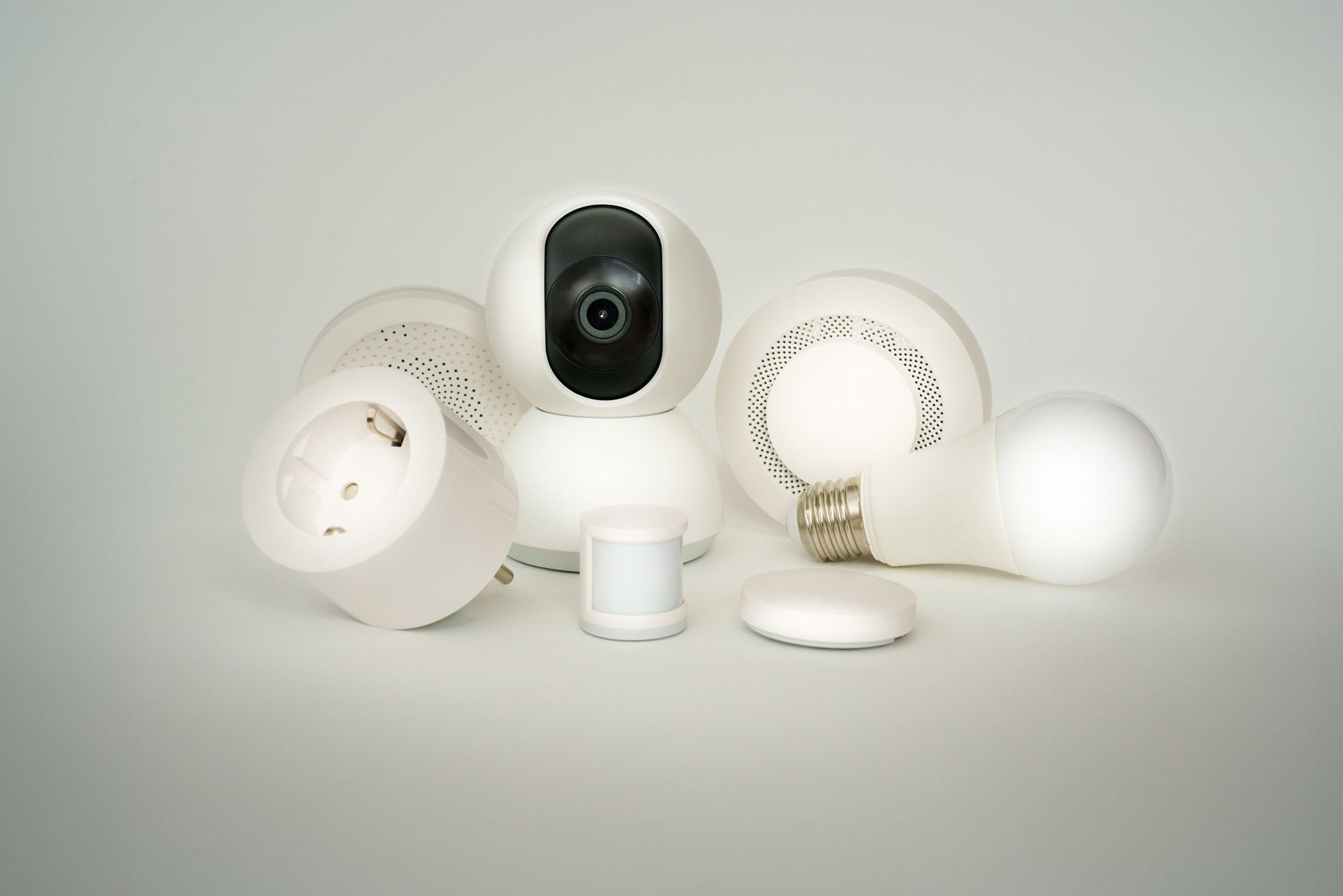
There is no single best setup for every apartment. These categories make a practical shortlist, with the main limitation beside each one.
| Device type | Best fit | What to check | Moving effort |
|---|---|---|---|
| Smart plug | Controlling an existing plug-in lamp | Load rating, outlet clearance, and lamp switch behavior | Unplug and reconnect |
| Smart bulb | Dimming or changing light color in a compatible lamp | Bulb base, dimensions, fixture suitability, and switch access | Swap back the original bulb |
| Plug-in motion night light | Lighting a hallway or bathroom route | Brightness, sensor coverage, and outlet position | Unplug and reposition |
| Freestanding leak sensor | Alerts near accessible plumbing or appliances | Alert method, gateway needs, and battery access | Pick up and relocate |
| Battery motion or contact sensor | Triggering lights or monitoring an opening | Mounting method, alignment, and automation compatibility | Remove mounting materials and pair again if needed |
| Plug-in smart speaker or hub | Voice control or support for compatible accessories | Supported platforms, network requirements, and privacy controls | Reconnect and update room assignments |
Smart plugs: the strongest starting point for existing lamps
A smart plug is worth considering when you already like your lighting and simply want schedules, remote switching, or a bedtime routine. It sits between an outlet and a compatible device, so it does not require changing the apartment’s wiring.
Check the lamp before buying. A lamp with a mechanical switch that stays on is a straightforward candidate. A lamp with electronic touch controls may remain off after power returns. Test its behavior by unplugging it while lit, then plugging it back in.
- Measure outlet clearance. Compare the plug’s dimensions with neighboring sockets, furniture, and bulky adapters.
- Look for a physical button. Position it where you can reach it without moving a bed or cabinet.
- Match the electrical rating. Check the exact model’s permitted loads and the connected device’s instructions.
- Review power restoration behavior. Decide whether the lamp should return on, remain off, or remember its previous state.
For a basic bedside setup, one smart plug and an existing lamp may be enough. Avoid buying a multipack until you know the first unit works reliably in its intended outlet.
Smart bulbs: best when you want control over the light itself
Choose a smart bulb when adjustable brightness or light color matters more than simply switching power. Check the socket type, bulb size, and fixture restrictions before comparing app features. A bulb that fits the socket may still be too tall for a small shade.
The everyday tradeoff is the wall or lamp switch. A smart bulb generally needs power to receive commands; turning off its supply can make it unavailable to the app. That matters in shared apartments, where guests and housemates naturally reach for familiar switches.
A compatible wireless button may make control easier, but adds cost and another compatibility check. For a single table lamp, compare that arrangement with a smart plug and an ordinary bulb. Keep the original bulbs in a labeled box so you can restore the apartment’s lighting when you leave.
Motion lighting: choose the simplest version that solves the problem
For a dark hallway, a plug-in motion night light may be more practical than a connected sensor and automated bulb. It can provide automatic lighting without requiring a phone app or home network. Check the product’s controls for brightness, light sensitivity, and how long it stays illuminated.
Outlet position matters as much as the sensor specification. A socket behind a console table may obstruct detection, while a visible outlet could put the light directly in your eyes from bed. Plan the position before choosing the device.
A separate connected motion sensor makes more sense when you want to control several compatible lights or apply different routines by time of day. Confirm that the chosen platform supports the exact trigger and action. For example, check whether it can activate a dim nighttime setting rather than merely turn a light on.
Freestanding sensors: useful alerts with little installation
A leak sensor can be placed near an accessible potential leak point, provided its instructions allow that location. Consider beneath a sink or beside an appliance, while keeping it clear of routine splashes and cleaning water.
Distinguish an audible alarm from a remote notification. A sensor that sounds locally may not send a phone alert without additional equipment. Check whether the model requires a gateway, an internet connection, or a paid service for the notification you want.
Battery temperature and humidity sensors are another movable option when you want to understand room conditions before adjusting a routine. Check placement guidance and display readability. A sensor reports conditions; it does not correct them unless paired with suitable equipment and supported controls.
Understand the network before choosing a platform
Connection labels describe different parts of a setup. Compare the exact device requirements instead of assuming that every product with the same badge works identically.
- Wi-Fi: Check supported bands, setup requirements, and whether your apartment network permits the device to join. Shared building Wi-Fi may require checks with the provider.
- Bluetooth: Check how control works when your phone is outside the device’s range and whether remote access needs another component.
- Zigbee: Verify the required hub and its compatibility with the exact sensor or light.
- Thread: Check whether the setup requires a compatible Thread border router and which existing devices can fulfill that role.
- Matter: Check the device’s underlying connection and the controller requirements for your preferred platform.
Before buying a hub, list any speakers, displays, or controllers you already own. Then verify their exact models against the accessory’s requirements. A familiar brand name alone is not enough to establish compatibility.
Check platform features and manual controls separately
Start with the app or platform you expect to use most often. Check support for your phone, shared household access, and any voice assistant you want. Then examine the specific functions: basic switching, dimming, sensor readings, and automation options may have different support.
Manual control deserves its own check. Can someone turn the lamp on without your phone? Can a visitor silence an alarm? Is the plug’s button reachable? A setup that works for the account owner can still be awkward for everyone else.
Also distinguish internet access from the local network. An internet outage and a router failure are different situations. Look for documented offline behavior, including whether schedules continue and which controls remain available.
Keep installation and moving day simple
Removable does not automatically mean damage-free. Adhesive mounting can affect paint or finishes, depending on the surface and removal method. Prefer a shelf, tabletop, or plug-in position when it provides suitable operation. For mounted sensors, check both the installation instructions and your tenancy terms.
- Start with one device. Test connectivity and everyday controls in its final position before expanding.
- Keep original parts. Store replaced bulbs, packaging, and mounting accessories together.
- Name devices clearly. Names such as “bedside lamp” make shared use and troubleshooting easier.
- Keep account access manageable. Review household permissions and any subscription requirements.
- Plan the move. Follow reset instructions when transferring ownership, and update Wi-Fi details, room names, and routines at the next apartment.
For many small rentals, a sensible first purchase is one lamp control or one motion night light. Add sensors when you have a clear alert or automation in mind. Before expanding, live with the setup long enough to see whether its buttons, notifications, and routines fit an ordinary week.